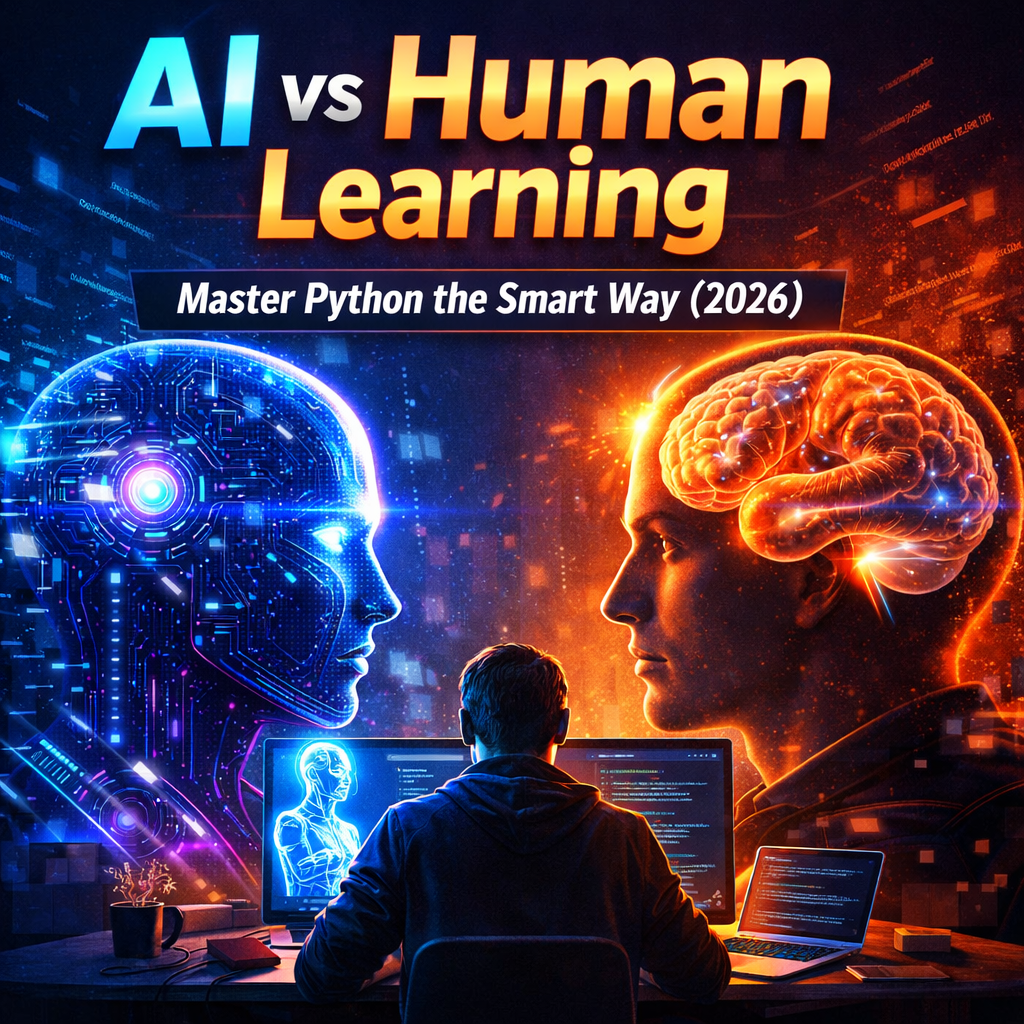
Introduction: How to Balance AI and Human Learning in Python
In 2026, learning Python has changed dramatically.
AI coding assistants can now generate code, fix errors instantly, and explain concepts step by step. Beginners can build projects faster than ever before.
But here’s the problem:
If you rely only on AI, you may finish projects — yet never truly understand how they work.
Real programming skill doesn’t come from copying code.
It comes from thinking, solving problems, and understanding logic.
The smartest learners today don’t choose between AI and human thinking.
They balance both.
This guide will show you how to balance AI and human learning in Python so you can:
- Learn faster without losing understanding
- Use AI tools strategically
- Avoid dependency
- Build real problem-solving skills
Because AI can accelerate your progress —
but only your mind can build mastery.
👉 To understand where AI tools fit in your growth, explore this structured Python learning system for beginners.
Who Should Read This?
This guide is for:
- Absolute beginners learning Python
- Self-taught developers
- Students using AI tools daily
- Anyone afraid of becoming dependent on AI
👉 Begin with core fundamentals → Python Basics Explained Simply
How AI Helps You Learn Python Faster
Modern AI tools act like a personal coding tutor available 24/7.
They assist with:
✔ Code auto-completion
✔ Error detection and debugging
✔ Step-by-step explanations
✔ Example generation
✔ Documentation simplification
Why This Speeds Up Learning
Instead of searching forums for hours, students now get:
• Instant answers
• Clear explanations
• Real-time corrections
This removes frustration and keeps progress consistent.
👉 To see the best current tools learners can use today, check out → best current tools learners can use today
The Strength of Human Learning (What AI Can’t Replace)
AI is powerful — but it doesn’t truly understand problems the way humans do.
Human learners bring:
• Critical thinking
• Logical reasoning
• Creativity
• Deep concept understanding
• Adaptability in new situations
When learning Python, humans excel at:
✔ Designing solutions
✔ Understanding why code works
✔ Debugging complex logic
✔ Applying knowledge to real problems
These skills are what turn beginners into real programmers.
👉 For a structured, step-by-step learning plan for beginners, see → structured, step-by-step learning plan for beginners
👉 According to research on learning science, spaced repetition and active recall improve retention → According to cognitive science research popularized by Hermann Ebbinghaus, spaced repetition significantly improves long-term retention.
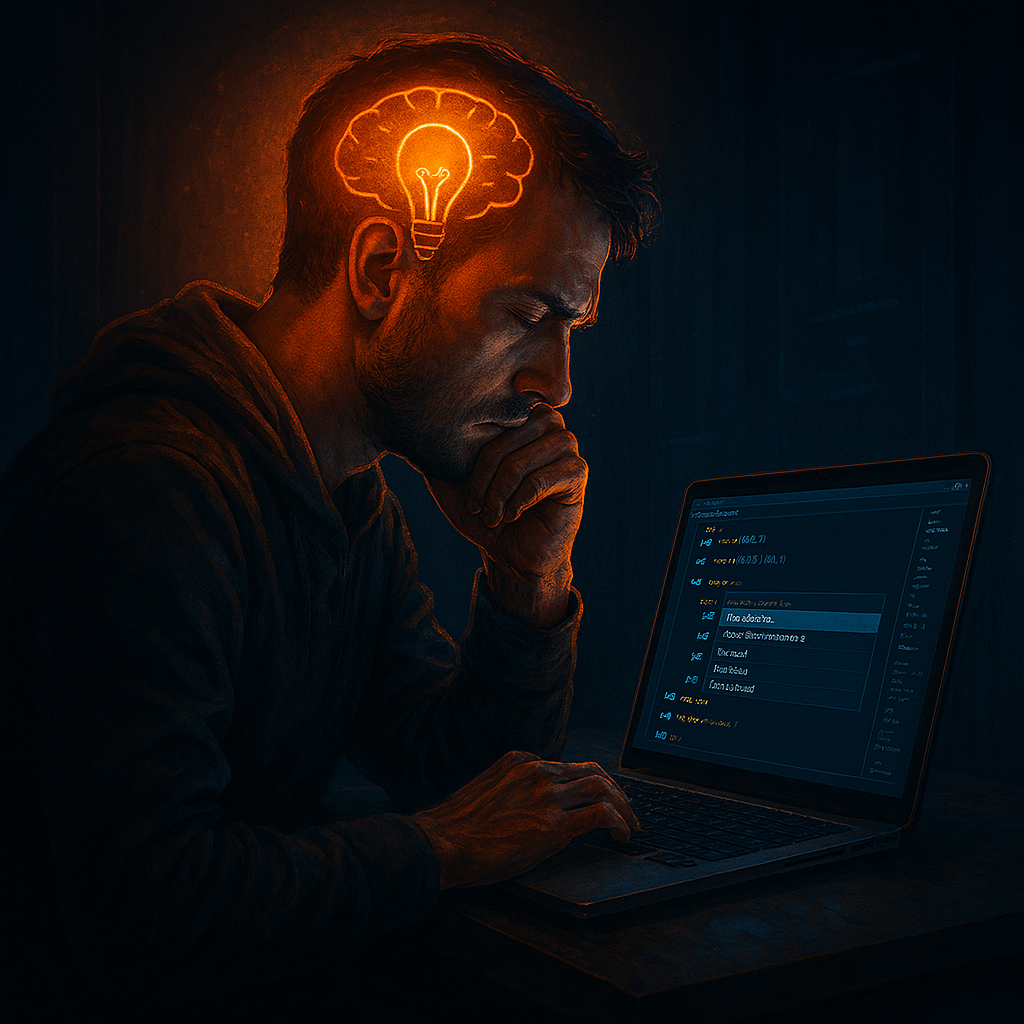
Why Balancing AI and Human Learning Is Essential
Using only one side creates problems:
❌ No AI → slow progress
❌ Only AI → weak understanding
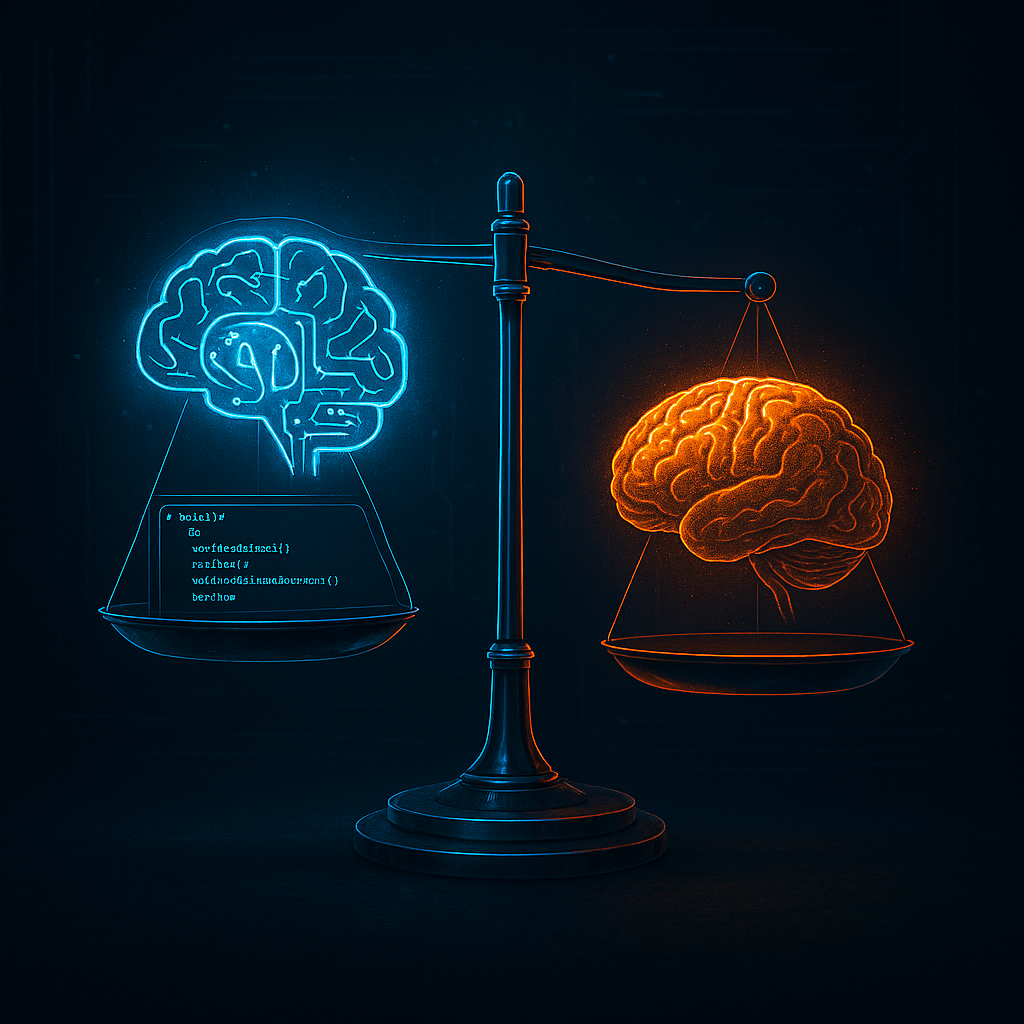
The smart balance gives you:
✅ Speed from AI
✅ Strong foundations from human thinking
✅ Faster mastery without dependency
✅ Real programming skills
AI accelerates learning.
Human reasoning builds mastery.
| Area | AI Strength | Human Strength |
|---|---|---|
| Speed | Instant suggestions | Careful reasoning |
| Debugging | Quick error detection | Deep logic understanding |
| Learning | Fast explanations | Long-term mastery |
| Creativity | Pattern-based | Original thinking |
Practical Ways to Balance AI and Human Learning in Python
1. Write First — Ask AI Second
Before using AI:
• Try solving the problem yourself
• Write your own code attempt
Then ask AI:
👉 “How can this be improved?”
👉 “Why does this version work better?”
This trains your thinking while still learning faster.
2. Use AI for Understanding, Not Copying
Instead of:
❌ “Write me a Python program for this”
Use:
✅ “Explain how to solve this problem step by step”
This builds logic instead of dependency.
3. Debug Actively With AI
Smart workflow:
- Run your code
- See the error
- Ask AI to explain it
- Fix it yourself
- Ask AI to review
This turns mistakes into learning opportunities.
4. Build Projects With Partial AI Guidance
Great beginner projects:
• Calculator
• To-do list
• File organizer
• Simple game
Ask AI:
👉 “Guide me step by step but don’t give full code at once.”
You stay in control — AI supports you.
5. Reflect on What You Learn
Keep notes or a learning journal:
• What concepts you learned
• Errors you fixed
• How AI helped
This strengthens memory and understanding dramatically.
👉 To combine strong fundamentals with AI tools in a systematic way, read → combine strong fundamentals with AI tools in a systematic way
👉 For a clear explanation of AI concepts from trusted sources → clear explanation of AI concepts
Common Mistakes Students Make With AI
❌ Copy-pasting without understanding
❌ Never reading documentation
❌ Skipping fundamentals (loops, functions, data structures)
❌ Trusting AI without testing
If AI disappears tomorrow, could you still code?
The goal is:
AI as assistant — not replacement.
The Ideal Python Learning Formula
Human thinking + AI acceleration = fastest mastery
Use AI for:
✔ Speed
✔ Clarity
✔ Practice support
Use your brain for:
✔ Logic
✔ Creativity
✔ Problem solving
This combination builds real developers.
👉 For the official Python tutorial and reference documentation → official Python tutorial and reference documentation
A Real-World Mini Case Study
Case Study: Two Beginners, Two Different Results
To truly understand how to balance AI and human learning in Python, let’s compare two beginners.
Student A: Full AI Dependency
- Uses AI to generate full programs
- Copies code without reviewing logic
- Rarely reads documentation
- Doesn’t debug manually
Result after 3 months:
Can build small projects — but struggles when AI suggestions fail.
Student B: Balanced Approach
- Tries solving problems first
- Uses AI for explanation, not replacement
- Reads official documentation
- Debugs errors manually before asking AI
Result after 3 months:
Understands loops, functions, and logic deeply.
Can modify code confidently — even without AI.
The difference?
Student B learned how to balance AI and human learning in Python strategically.
AI became a tool — not a crutch.
That’s the goal.
A 3-Step Framework to Balance AI and Human Learning in Python
A Simple Framework for How to Balance AI and Human Learning in Python
If you’re confused about when to use AI, follow this structure:
Step 1: Think First
Before opening AI:
- Break problem into smaller steps
- Write pseudo-code
- Attempt a solution
This builds mental models.
Step 2: Ask Strategic Questions
Instead of:
“Write full code for me”
Ask:
- “Why is my loop not working?”
- “Explain this error in simple terms.”
- “How can I optimize this logic?”
This keeps control in your hands.
Step 3: Reflect and Review
After AI helps:
- Rewrite solution yourself
- Test edge cases
- Document what you learned
This is how to balance AI and human learning in Python without losing independence.
Long-Term Career Impact
Why Balancing AI and Human Learning Matters for Your Career
In 2026 and beyond, companies expect developers to:
- Understand logic deeply
- Debug complex systems
- Build scalable solutions
- Adapt to new technologies
If you rely only on AI, you may struggle in interviews where:
- You must explain your thinking
- Solve problems live
- Modify unfamiliar code
Learning how to balance AI and human learning in Python prepares you for real-world development.
AI will keep evolving.
But your ability to think clearly, design solutions, and reason logically is what makes you valuable.
The developers who win in the AI era are not the ones who use AI the most.
They are the ones who use it wisely.
Frequently Asked Questions
1️⃣ Why is it important to learn how to balance AI and human learning in Python?
Because relying only on AI can weaken your problem-solving ability, while avoiding AI completely slows progress. Learning how to balance AI and human learning in Python helps you gain speed without losing deep understanding.
2️⃣ Can beginners effectively balance AI and human learning in Python?
Yes. In fact, beginners benefit the most. If they build strong fundamentals first and use AI for explanation rather than replacement, they can accelerate learning safely.
3️⃣ What happens if I don’t balance AI and human learning in Python?
You may become dependent on AI tools. When facing interviews, exams, or real-world bugs without AI support, you might struggle to explain logic or solve problems independently.
4️⃣ How often should I use AI while learning Python?
Use AI after attempting the problem yourself. A healthy method for how to balance AI and human learning in Python is: think first, ask second, reflect third.
5️⃣ Is using AI considered cheating when learning Python?
Not if used correctly. AI becomes harmful only when you copy code blindly. When used for explanations, debugging help, and guided learning, it becomes a powerful educational tool.
6️⃣ How does balancing AI and human learning improve long-term retention?
When you actively solve problems and then use AI to refine your understanding, your brain processes information more deeply. This strengthens memory and builds true programming skill.
7️⃣ Should I disable AI tools sometimes to practice?
Yes. Occasionally coding without AI is a great way to test your independence. This practice strengthens your ability to balance AI and human learning in Python effectively.
8️⃣ Can AI replace traditional Python learning methods?
No. AI can assist, explain, and accelerate — but it cannot replace logical reasoning, creativity, and hands-on debugging experience.
9️⃣ What is the biggest mistake students make with AI while learning Python?
The biggest mistake is copying full solutions without understanding how they work. This destroys the balance between AI support and human thinking.
🔟 What is the best strategy for how to balance AI and human learning in Python in 2026?
The best strategy is:
Attempt problems independently
Use AI for clarification
Review official documentation
Reflect on mistakes
Practice consistently
This approach builds both speed and mastery.
Final Takeaway: AI Accelerates — Humans Master
AI has transformed Python learning forever.
It removes confusion, speeds up practice, and offers instant guidance.
But true programming skill comes from:
• Thinking through problems
• Understanding logic
• Practicing actively
When you balance AI assistance with human reasoning, you learn faster and stronger.
AI can push you forward —
your mind makes you great.
🚀 Enhance Your Python + Learning Strategy
🔹 Begin with core fundamentals → Python Basics Explained Simply
🔹 Learn with tools → Top 5 AI Coding Assistants for 2026
🔹 Follow a smart learning plan → The Perfect 30-Day Study Routine