

Introduction: The Smartest Way to Learn Python in 2026
Artificial intelligence has transformed how people learn — while Python has become the world’s most beginner-friendly programming language.
When you combine AI tools with Python workflows, you create a complete smart learning system that:
✔ Explains concepts clearly
✔ Generates examples and exercises
✔ Reviews your code instantly
✔ Tracks progress automatically
✔ Speeds up skill development
Instead of struggling through random tutorials, you follow a guided, personalized learning loop.
This step-by-step guide shows how to build your own AI-powered Python learning system — perfect for beginners, students, educators, and self-learners.
👉 This routine works best when aligned with a clear Python beginner roadmap for 2026.
👉 For the official Python tutorial and reference documentation → official Python tutorial and reference documentation

Why AI + Python Is the Perfect Learning Combination
AI and Python complement each other naturally.
AI provides:
• Personalized explanations
• Instant feedback
• Smart practice generation
Python provides:
• Simple readable syntax
• Real-world applications
• Fast project building
Together, they form a powerful automated learning workflow used by:
✔ Students
✔ Developers
✔ Online educators
✔ Tech companies
Core Components of an AI-Powered Python Learning System
1. AI-Driven Learning Assistant
AI handles:
• Concept explanations
• Example generation
• Quiz creation
• Code review
• Error debugging
This replaces endless Googling with instant guided learning.
2. Python Coding Environment
You need a place to write and test Python code easily.
Best beginner-friendly options:
- Jupyter Notebook – Interactive Python environment
- Google Colab – Cloud-based Python workspace
- Visual Studio Code – Lightweight professional editor
These environments support real-time testing and AI integrations.
3. Automated Feedback Loop
This is where AI becomes powerful.
AI should:
✔ Review your code
✔ Explain mistakes
✔ Suggest improvements
✔ Recommend better approaches
This creates fast learning cycles instead of slow trial-and-error.
4. Progress Tracking System
Your system should monitor:
• Lessons completed
• Mini projects built
• Quiz scores
• Skill milestones
Tracking keeps motivation high and learning organized.
Step-by-Step: Build Your AI-Powered Python Learning System
Step 1 — Define Clear Learning Goals
Decide:
Your level:
• Beginner
• Intermediate
• Advanced
Your focus:
• Python fundamentals
• Automation
• Data analysis
• AI development
Clear goals prevent wasted effort.
👉 To follow a structured daily plan while learning, check → structured daily learning plan
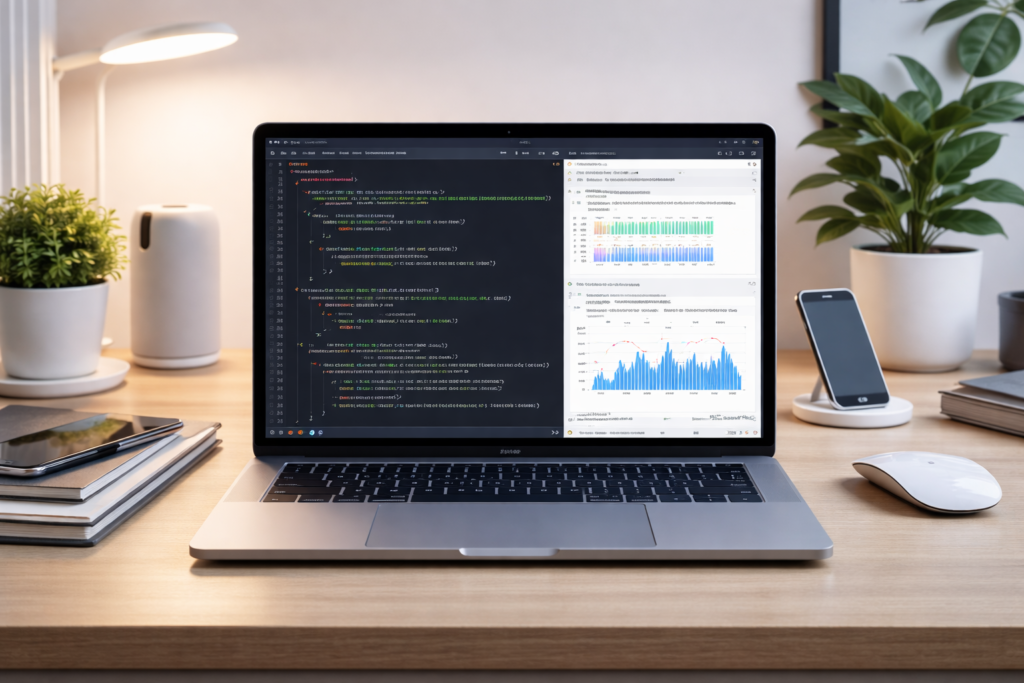
Step 2 — Set Up Your Python Environment
Install:
✔ Python
✔ One coding environment (Jupyter, Colab, or VS Code)
Add beginner libraries:
• NumPy
• Pandas
• Matplotlib
This forms your technical foundation.
Step 3 — Integrate AI Into Daily Learning
Use AI for:
• Concept explanations
• Debugging errors
• Generating practice problems
• Reviewing solutions
• Improving code quality
AI becomes your personal tutor.
Step 4 — Create a Simple Daily Learning Workflow
A powerful but realistic routine:
| Activity | Time |
|---|---|
| Learn new concept | 30 min |
| Practice coding | 30 min |
| Ask AI for feedback | 10 min |
| Mini project work | 20 min |
Consistency beats speed.
Step 5 — Automate Feedback With AI
After every practice:
✔ Ask AI to review code
✔ Understand corrections
✔ Apply improvements
This transforms mistakes into fast growth.
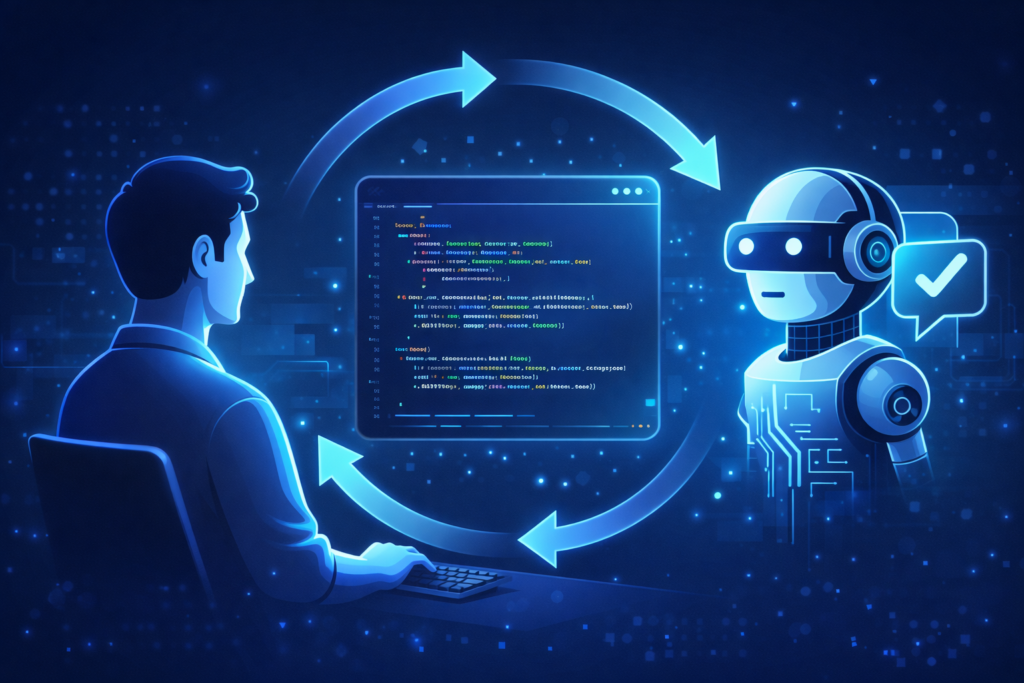
Example: AI-Powered Python Learning Cycle
1️⃣ AI explains a concept
2️⃣ You write code
3️⃣ AI reviews it
4️⃣ AI suggests improvements
5️⃣ You build mini project
Repeat daily — progress compounds quickly.
Best Tool Stack for Your Learning System
AI Layer:
• AI chat assistants
• Code review AI
• Debugging AI
Python Layer:
• Jupyter Notebook / Colab / VS Code
Learning Layer:
• Notes app
• Progress tracker
• Mini project folder
This creates a complete smart learning ecosystem.
👉 To discover the best AI coding assistants you can include in your system, read → best AI coding assistants you can include in your system
👉 Research from learning science shows structured systems improve retention → research on structured learning systems and retention
Common Mistakes to Avoid
❌ Letting AI write everything
❌ Skipping practice
❌ Not building projects
❌ Learning without goals
❌ Not reviewing mistakes
AI should accelerate thinking — not replace it.
How Fast Can You Learn With This System?
With daily consistency:
• Strong Python basics → 30 days
• Automation skills → 60 days
• Real projects → 90 days
The system adapts as you grow.
👉 If you want real examples of how AI accelerates learning and debugging, see → real examples of how AI accelerates learning and debugging
Final Takeaway: Smart Learning Beats Hard Learning
AI has changed education forever.
When combined with Python, you can build a personalized learning system that:
✅ Speeds up understanding
✅ Eliminates frustration
✅ Improves practice
✅ Builds real skills faster
AI accelerates learning —
your effort creates mastery.
Start building your AI-powered Python learning system today — and grow smarter every day.
FAQ – AI-Powered Python Learning System
Can beginners use AI to learn Python effectively?
AI can explain concepts, generate examples, and review code instantly, making learning faster and less frustrating.
Which Python environment is best for beginners?
Cloud tools like Google Colab are easiest to start with, while Visual Studio Code is better for long-term development.
How much time should I study Python daily?
60–90 focused minutes daily is enough if you follow a structured system.
Does AI replace practice?
AI accelerates understanding — but skill only develops through writing code.

