Learning Python in 2026 is easier than ever.
But here’s the truth:
Most beginners still struggle.
They watch tutorials.
They copy code.
They get errors.
They feel stuck.
And many quit before building anything real.
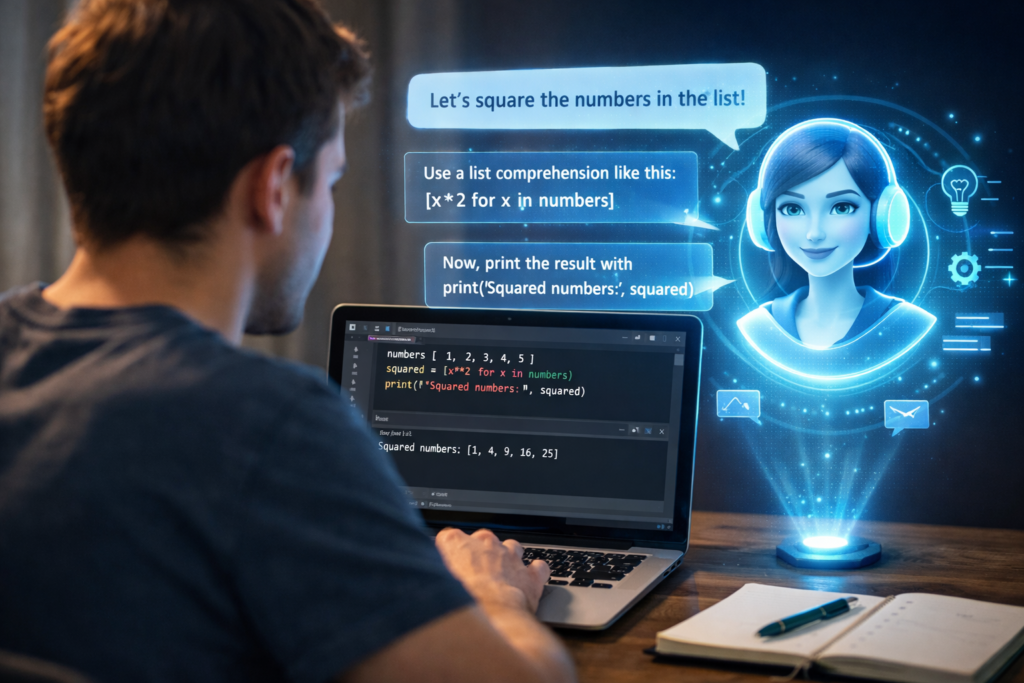
What changed everything for beginners recently is one tool: ChatGPT.
Instead of learning alone, beginners now use ChatGPT as:
- A personal coding tutor
- A 24/7 debugging assistant
- A practice generator
- A project guide
In this guide, you’ll see real examples, actual prompts, and a complete workflow showing how beginners use ChatGPT to learn Python faster — without confusion or overwhelm.
Why Beginners Struggle With Python
Before we talk about solutions, let’s understand the problem.
Most beginners struggle because:
- Too much theory
- Not enough guided practice
- Error messages that don’t make sense
- Jumping between YouTube, blogs, and forums
- No structured roadmap
You might understand variables today…
Then feel lost when loops appear.
Then completely panic when errors show up.
This isn’t about intelligence.
It’s about having the right learning system.
That’s where ChatGPT becomes powerful.
What Is ChatGPT and Why It Helps Python Beginners
OpenAI developed ChatGPT as an AI assistant that understands natural language and generates helpful responses.
But for Python beginners, it’s much more than a chatbot.
It can:
- Explain concepts in simple language
- Rewrite confusing explanations
- Generate examples
- Create practice exercises
- Fix your code errors
- Suggest beginner-friendly projects
- Build a personalized learning plan
Instead of searching through multiple websites, beginners can now ask:
“Explain this like I’m a beginner.”
And they get a structured, simplified answer instantly.

Real Example #1: Understanding Basic Python Concepts
Let’s say you’re confused about for loops.
❌ Traditional Learning Problem
- You watch a tutorial.
- The instructor goes too fast.
- The explanation feels technical.
- You still don’t “get it.”
✅ Beginner Prompt
Explain Python for loops like I'm a complete beginner.
Use a simple example and a real-life analogy.
What ChatGPT Does
- Breaks down syntax
- Explains
range() - Shows example output
- Uses a relatable analogy (like counting steps)
Now here’s the smart move most beginners miss:
Follow-up prompt:
Give me 3 beginner practice questions on for loops.
Even better:
Give me answers only after I try them.
This turns ChatGPT into an interactive tutor, not just an explainer.
That’s how you learn faster.
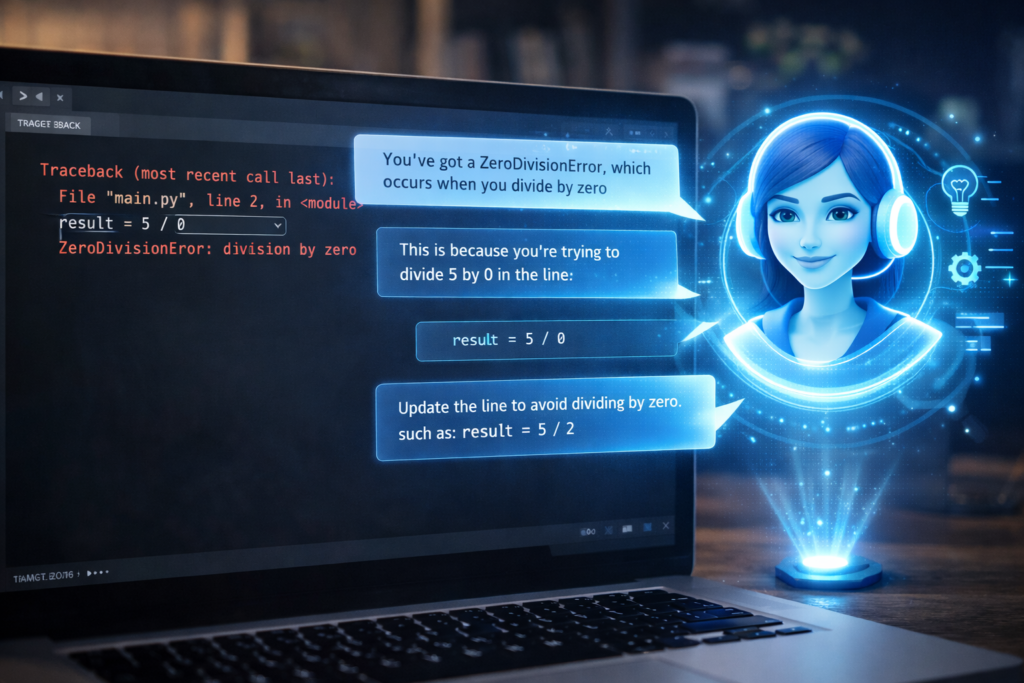
Real Example #2: Fixing Python Errors Instantly
One of the biggest beginner frustrations is errors.
You see something like:
IndentationError: unexpected indent
And you have no idea what happened.
Beginner Prompt
Here is my code. Explain what is wrong and fix it:[paste your code]
What happens next?
ChatGPT:
- Identifies the mistake
- Explains why it happened
- Shows corrected version
- Teaches the rule behind it
This is important.
Instead of just fixing code blindly, you learn:
- Why indentation matters
- How Python reads structure
- How to avoid it next time
That’s how beginners accelerate learning.
Real Example #3: Building Small Beginner Projects
Learning theory is slow.
Building projects is fast.
Beginners now use prompts like this:
Give me a simple beginner Python project with step-by-step instructions.
ChatGPT might suggest:
- Number guessing game
- Basic calculator
- To-do list (CLI version)
- Random password generator
But the real power comes in upgrading.
After building the basic version:
Now improve this project and make it slightly advanced.
Now you’re learning:
- Loops
- Conditionals
- Functions
- Input handling
- Error handling
All inside one project.
This is how real skill builds.
Real Example #4: Creating a 30-Day Python Roadmap
Most beginners fail because they don’t know what to learn next.
Instead of randomly watching videos, they can ask:
Create a 30-day beginner Python roadmap with daily tasks and mini projects.
ChatGPT can generate:
- Week 1: Basics (variables, data types)
- Week 2: Control flow (loops, conditionals)
- Week 3: Functions + small projects
- Week 4: File handling + mini automation
Now learning becomes structured.
And structured learning = faster results.
complete beginner Python roadmap
Smart Prompting Tips (This Is Critical)
If you want to use ChatGPT to learn Python faster, your prompts matter.
Bad prompt:
Explain Python.
Better prompt:
Explain Python functions with 3 beginner examples and 1 practice question.
Even better:
Explain Python functions in simple language.
Then give 2 examples, 1 real-world analogy, and 2 practice problems without answers.
Specific prompts create better learning.
Golden rule:
Clear questions = clear explanations.
A Powerful Daily Learning Workflow
Here’s a simple system beginners use:
Step 1: Learn One Concept
Example: Lists.
Step 2: Ask for Simple Explanation
Explain Python lists with beginner examples.
Step 3: Ask for Practice
Give me 5 practice questions on lists.
Step 4: Try Yourself
Don’t copy. Type manually.
Step 5: Debug Errors
Paste your mistakes and ask for explanation.
Step 6: Build Mini Project
Create a small beginner project using lists.
Repeat daily.
This structured loop speeds up learning dramatically.
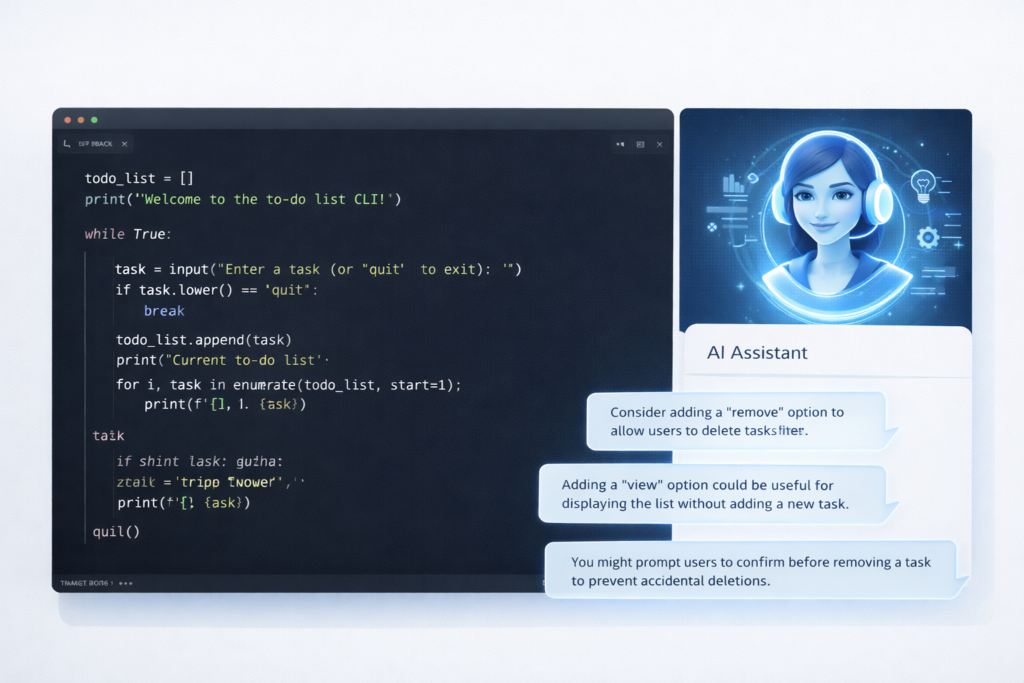
This approach becomes even more powerful when combined with a complete AI-powered Python learning system.
Common Mistakes Beginners Make With ChatGPT
Let’s be honest.
Some beginners misuse it.
❌ Mistake 1: Copy-Paste Without Understanding
If you just copy code, you don’t learn.
You must:
- Rewrite manually
- Modify it
- Break it intentionally
- Fix it again
❌ Mistake 2: Asking Vague Questions
“Why is this not working?”
That’s too broad.
Better:
“Why does this function return None when I print it?”
Specific questions = better answers.
❌ Mistake 3: Depending Only on AI
ChatGPT is powerful.
But you still need:
- Official Python documentation
- Real practice
- Real projects
AI is an accelerator — not a replacement for effort.
If you’re new to coding, you should also read our guide on common Python beginner mistakes to avoid slowing down your progress.
Is ChatGPT Enough to Learn Python?
Short answer:
Yes — for beginners.
But only if:
- You practice daily
- You write code yourself
- You experiment
- You build projects
If you just consume answers, you won’t grow.
If you use it interactively, you will grow fast.
Advanced Way Beginners Level Up Faster
Once basics are clear, beginners can ask:
Turn this beginner project into a portfolio-level project.
Or:
Add error handling and improve the user experience.
Now you’re moving from:
Beginner → Intermediate thinking.
That’s how you stand out.
Once you’re comfortable, you can start building real Python automation scripts to apply your skills in practical ways.
Real-World Scenario: Learning 2–3x Faster
Traditional path:
- Watch 1 hour tutorial
- Understand 50%
- Forget half of it next week
AI-assisted path:
- Learn concept
- Ask questions
- Practice instantly
- Fix errors instantly
- Build mini project same day
Which one compounds faster?
The second one.
A Sample 7-Day Starter Plan Using ChatGPT
If you’re brand new, here’s a mini plan:
Day 1: Variables + practice
Day 2: Data types + exercises
Day 3: If-else + mini quiz
Day 4: Loops + small guessing game
Day 5: Functions + mini calculator
Day 6: Lists + to-do list app
Day 7: Review + improve projects
Each day:
- Ask explanation
- Ask practice
- Build small project
That’s it.
Consistency beats intensity.
When ChatGPT Is Not Enough
You will eventually need:
- Real-world debugging
- Reading documentation
- Working without AI sometimes
- Thinking independently
A smart strategy is:
Solve first yourself → then ask AI for review.
This strengthens your problem-solving ability.
You should also learn to read the official Python documentation to build deeper understanding.
Final Thoughts: Use It Smart, Not Lazy
ChatGPT changed how beginners learn Python.
It reduces confusion.
It shortens feedback loops.
It makes learning interactive.
But the effort is still yours.
If you:
- Ask better questions
- Practice daily
- Build projects
- Fix your own mistakes
You can realistically learn Python 2–3x faster than traditional learners.
And in 2026, speed matters.
Not just knowing Python —
But learning it efficiently.
Frequently Asked Questions (FAQ)
Can beginners really use ChatGPT to learn Python from scratch?
Yes. If you use structured prompts and practice daily, it works very well for beginners.
Should I copy code from ChatGPT?
No. Type it manually and modify it to understand it deeply.
Is ChatGPT better than YouTube tutorials?
It’s more interactive. The best approach is combining both.
How often should I use ChatGPT while learning?
Daily — but actively, not passively.
Can ChatGPT help with Python projects?
Yes. It can guide you step-by-step and help debug errors.