

Introduction: Why Smart Beginners Still Struggle With Python
Python is often called “the best programming language for beginners.”
It has clean syntax, readable structure, and a massive community.
Yet every year, thousands of beginners start learning Python… and quietly quit.
Here’s the truth:
It’s not because Python is too hard.
It’s not because you’re “bad at coding.”
It’s because beginners repeatedly make the same predictable mistakes.
And no one explains them clearly.
In this guide, you’ll learn:
- The most common Python beginner mistakes
- Why they happen
- How to fix them step-by-step
- A simple system to avoid them permanently
If you’re serious about learning Python properly, this article may save you months of frustration.

Mistake #1: Learning Without a Clear Roadmap
One of the biggest Python beginner mistakes is jumping between random tutorials.
You watch one YouTube video on loops.
Then another on AI.
Then one on web development.
Then you try automation.
It feels productive — but it’s chaos.
Why This Slows You Down
Without structure:
- You build knowledge gaps
- You forget previous topics
- You feel overwhelmed
- You lose confidence
Learning Python requires progression. Just like math. Just like gym training.
Step-by-Step Fix
Follow this order:
- Variables and data types
- Conditions (if/else)
- Loops
- Functions
- Basic data structures (lists, dictionaries)
- Small projects
Stick to one structured course or roadmap.
Do not switch every week.
Consistency beats novelty.
Mistake #2: Watching Tutorials Without Writing Code
This is one of the most dangerous Python beginner mistakes.
You watch someone type code.
You understand it.
You think: “Yes, I get it.”
But when you open a blank file… your mind goes empty.
That’s because coding is a skill — not passive knowledge.
Example
You see this:
for i in range(5):
    print(i)
Looks simple.
Now close everything and write it from memory.
If you struggle, you didn’t truly learn it.
Why This Happens
Watching tutorials gives you familiarity — not mastery.
Your brain recognizes patterns, but your hands haven’t practiced them.
Step-by-Step Fix
- Code along actively
- Rebuild the example without looking
- Change it slightly
For example:
Instead of printing numbers 0–4, print even numbers only.
Or multiply each number by 2.
Break the code intentionally — then fix it.
This builds real confidence.
Mistake #3: Being Afraid of Error Messages
Beginners often panic when they see red text.
But error messages are not enemies.
They are instructions.
Let’s look at a simple example:
print(name)
You run it and see:
NameError: name 'name' is not defined
Many beginners think:
“I’m bad at programming.”
But what is Python actually saying?
It’s telling you:
“You tried to use a variable that doesn’t exist.”
That’s helpful.
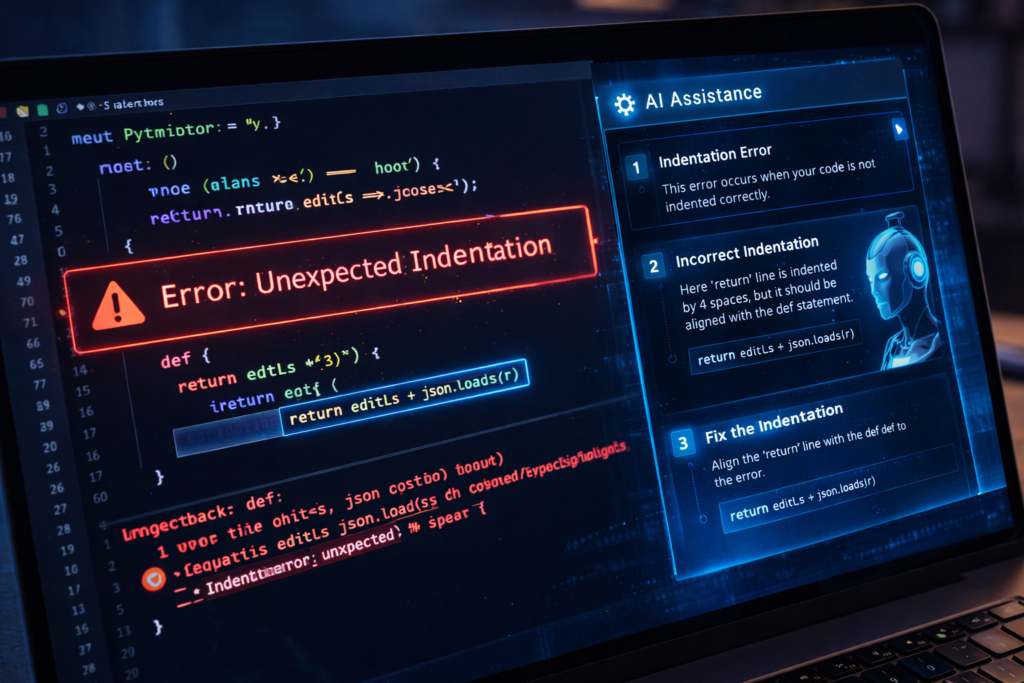
Common Beginner Errors
- IndentationError
- NameError
- TypeError
- SyntaxError
These are normal.
Every programmer sees them daily.
Step-by-Step Debugging Framework
When your code doesn’t work:
- Read the last line of the error carefully
- Look at the line number
- Check spelling of variables
- Check indentation
- Print intermediate values
- Search the exact error message
- If using AI tools, paste full code + full error
Do not panic.
Debugging is a core programming skill.
And here’s something important:
The difference between a beginner and an advanced developer is not fewer errors.
It’s faster debugging.
Mistake #4: Weak Understanding of Core Concepts
Another common Python beginner mistake is rushing past fundamentals.
You want to learn AI.
Or web development.
Or automation.
But your basics are shaky.
That’s like building a house on sand.
Critical Foundations You Must Master
- Variables
- Data types
- Conditions
- Loops
- Functions
- Lists and dictionaries
If you don’t deeply understand these, advanced topics will feel impossible.
Example: Functions
def greet(name):
    return "Hello " + nameprint(greet("Akbar"))
Now try modifying it:
- Make it greet three names using a loop
- Make it return uppercase greeting
- Make it add punctuation
If you can’t comfortably modify small examples, revisit fundamentals.
Fix Strategy
- Solve 10 small exercises per concept
- Explain the concept in your own words
- Teach it (even to an imaginary student)
Teaching forces clarity.
Depth beats speed.
Mistake #5: Avoiding Real Projects
Many beginners stay in “exercise mode” forever.
They solve tiny problems but never build something real.
Then they say:
“I don’t feel confident.”
Of course you don’t.
You haven’t built anything meaningful yet.
The Project Ladder
Start simple.
Level 1:
- Calculator
- Number guessing game
Level 2:
- To-do list program
- File organizer
Level 3:
- Automation script
- Simple data analyzer
Projects connect knowledge.
Projects expose weaknesses.
Projects build confidence.
You don’t need something impressive.
You need something complete.
Mistake #6: Comparing Yourself to Advanced Developers
This mistake is psychological — but powerful.
You see someone building complex AI systems.
You’re struggling with loops.
You think you’re behind.
But here’s the truth:
You’re comparing your chapter 1 to someone’s chapter 20.
Every expert once struggled with indentation.
Every expert once Googled “how to print in Python.”
Comparison kills motivation.
Practical Reset Strategy
- Track hours practiced weekly
- Track projects completed
- Focus on improvement, not speed
Consistency for 6 months beats intensity for 2 weeks.
Mistake #7: Trying to Learn Everything at Once
This is extremely common today.
You start learning Python.
Within 2 weeks, you attempt:
- AI
- Web development
- Data science
- Automation
- Cybersecurity
Your brain overloads.
You quit.
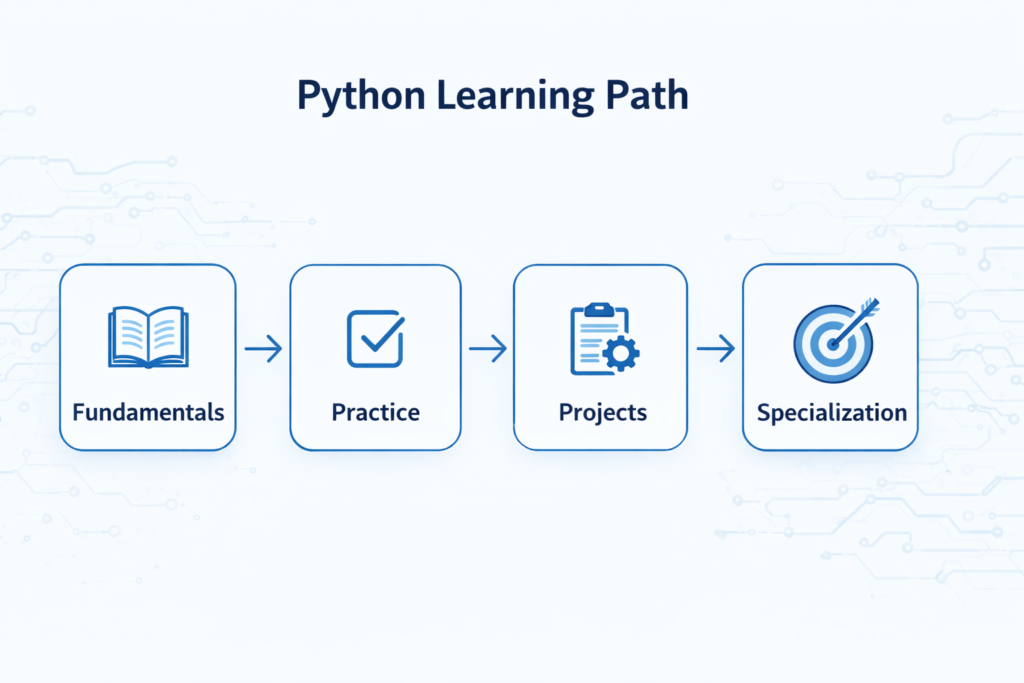
Correct Learning Order
- Core Python
- Small projects
- Choose one specialization
- Expand gradually
Master basics first.
Then scale.
Not the other way around.
The Beginner Debugging Checklist
Save this section.
When your code doesn’t work:
✔ Check indentation
✔ Check spelling
✔ Print variable values
✔ Run smaller sections
✔ Read the last line of error
✔ Search exact message
✔ Ask AI clearly and completely
Do not randomly rewrite everything.
Debug logically.
A Simple 30-Day Plan to Avoid These Python Beginner Mistakes
If you want structure, follow this:
Week 1 – Foundations
- Variables
- Data types
- Conditions
- Loops
Practice daily.
Week 2 – Functions + Data Structures
- Functions
- Lists
- Dictionaries
Build mini exercises.
Week 3 – Mini Projects
- Calculator
- Guessing game
- Simple app
Week 4 – One Real Project
Choose something slightly uncomfortable.
Finish it completely.
Completion builds identity.
If you’re serious about mastering Python, start with a structured roadmap, follow a daily routine, and build real projects.
FAQ: Python Beginner Mistakes
What are the most common Python beginner mistakes?
The most common Python beginner mistakes include learning without structure, avoiding projects, fearing error messages, and trying to learn too many topics at once.
Is it normal to struggle with Python at first?
Yes. Struggling is part of the learning process. Programming requires problem-solving skills that improve with practice.
Why do I keep getting errors in Python?
Errors happen because of small syntax issues, logical mistakes, or undefined variables. They are normal and help you learn debugging.
How long does it take to feel comfortable with Python?
With consistent daily practice (1–2 hours), most beginners feel comfortable within 2–3 months.
Should beginners use AI tools while learning Python?
Yes — but carefully.
Use AI to explain errors and concepts, not to write entire projects for you. Otherwise, you won’t develop problem-solving ability.
Conclusion: Mistakes Are Required — Staying Stuck Isn’t
Every Python developer made these mistakes.
The difference?
They fixed them early.
They kept coding.
They didn’t quit when errors appeared.
If you avoid these common Python beginner mistakes:
- You’ll learn faster
- You’ll feel more confident
- You’ll build real skills
Start small.
Code daily.
Fix mistakes fast.
Repeat.
That’s how programmers are built.

